CNScope: Male CNS Connectome Viewer
Interactive exploration of the Drosophila Male CNS connectome in napari. BrainGlobe track, UCL Summer School, 2026.
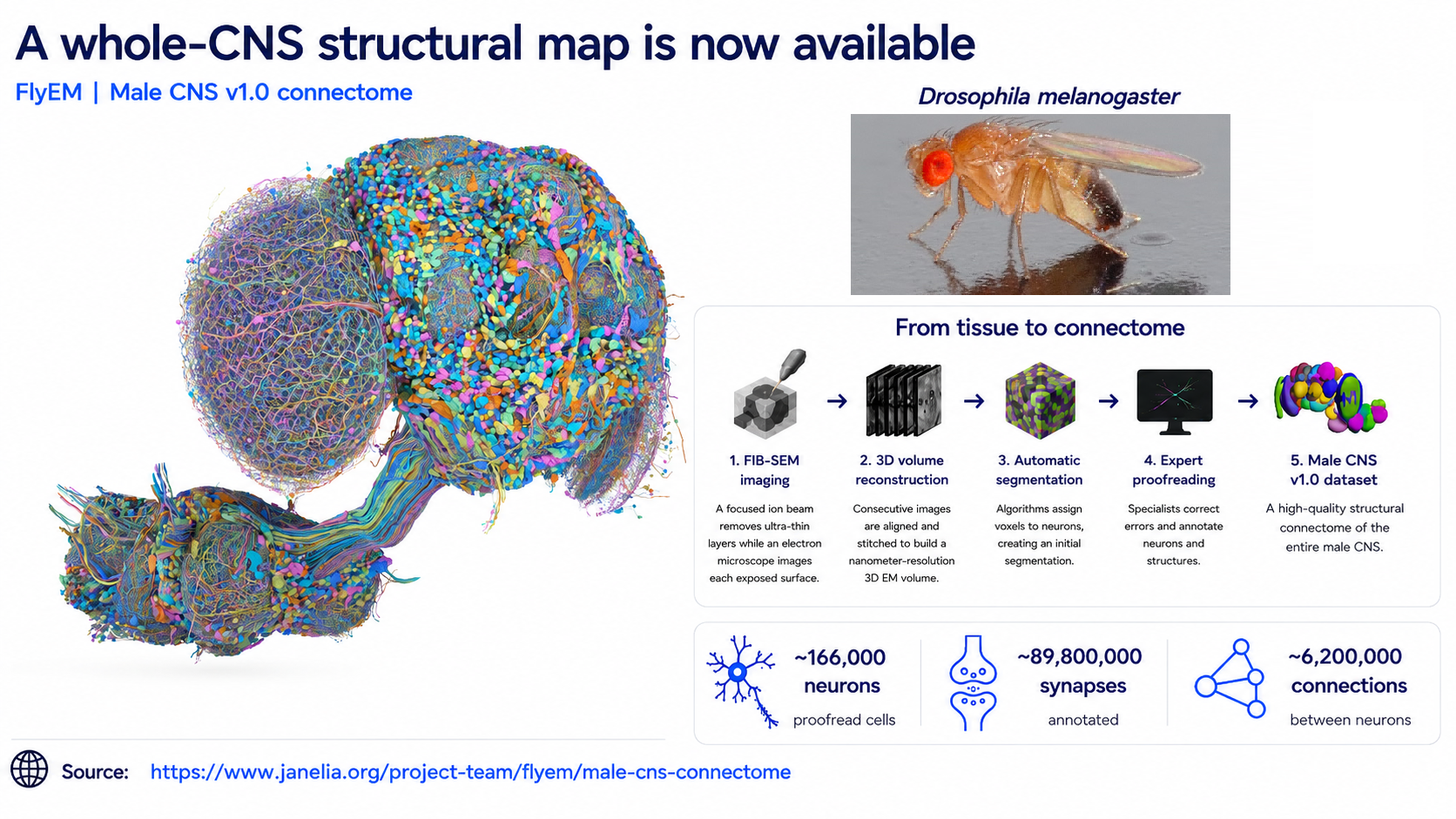
Figure captions:
- Overview of the FlyEM Male CNS v1.0 dataset, from my UCL presentation. Dataset and source imagery: Janelia FlyEM and collaborators. Dataset, publication, and data access (CC BY).
I developed CNScope during the BrainGlobe track at the UCL Summer School in 2026. The viewer brings anatomical labels, selected neuronal morphologies, and electron microscopy (EM) into a shared napari coordinate space, making it possible to explore the Male CNS connectome at different spatial scales.
View the code, configuration, and usage instructions on GitHub.
Dataset and motivation
The Janelia FlyEM Male CNS dataset covers the central brain, optic lobes, and ventral nerve cord of an adult male Drosophila melanogaster. Its large EM volume makes downloading and loading the complete native-resolution array impractical for local exploration.
I implemented remote access with TensorStore and Dask so the viewer requests the data chunks needed for the current view. This allows exploration without downloading the complete EM volume.
Interactive exploration
The viewer combines brain and ventral nerve cord neuropil labels with selected neuron skeletons and somas. It supports a 3D EM overview and multiscale 2D inspection. A faster contrast-enhanced layer supports navigation, while the original EM layer remains available for inspection of the original intensities.
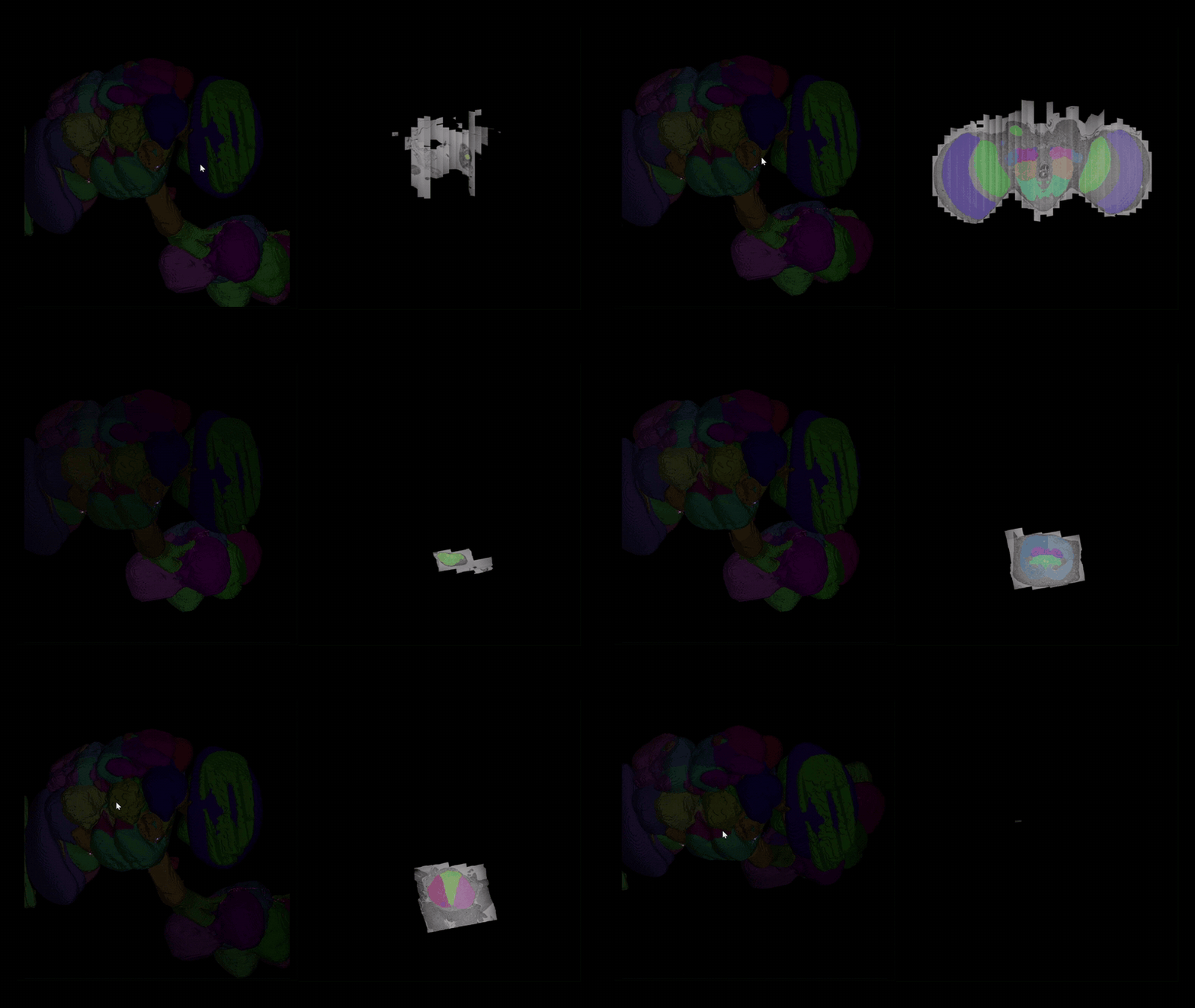
Interactive exploration of Male CNS neuropils and EM sections. The animation traverses spatial anatomical sections; it does not show neuronal activity over time.
Workflow
I aligned neuropil segmentations, neuronal skeletons and somas, and multiscale EM as napari Labels, Vectors, Points, and Image layers. Configurable resolutions and a bounded shared cache help manage remote data access during exploration.
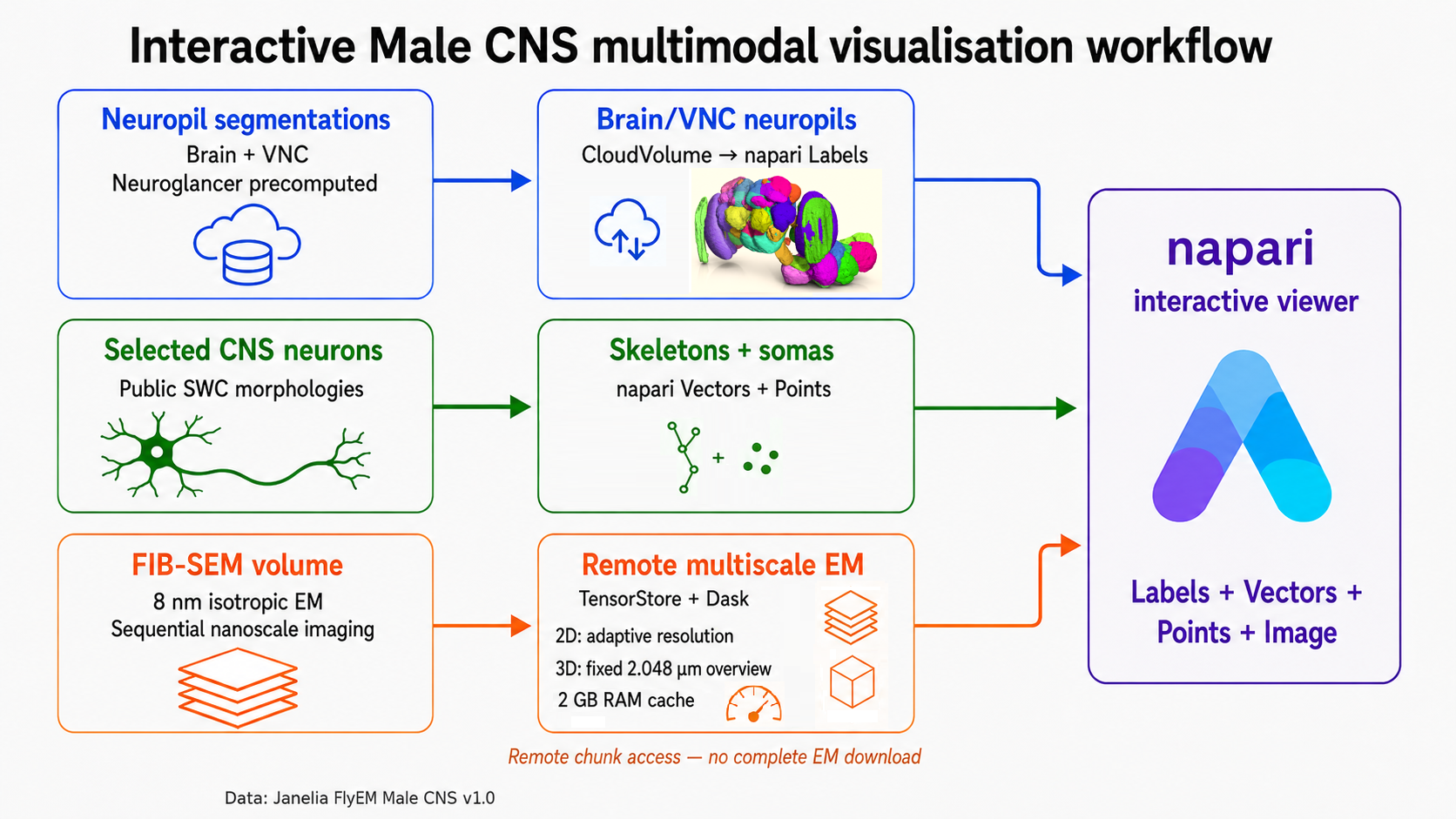
Workflow from my BrainGlobe track presentation. The diagram shows the example configuration used for the demonstration; viewer settings are configurable.
Sources and related work
- Male CNS connectome: dataset, publication, and access tools. Data acquired, reconstructed, and annotated by Janelia FlyEM, the Cambridge Drosophila Connectomics Group / MRC LMB, and Google Research; distributed under CC BY.
- Male CNS napari viewer repository, including setup instructions and data attribution.
- TRex Data to Movement, my other UCL project, focused on behavioral tracking data.